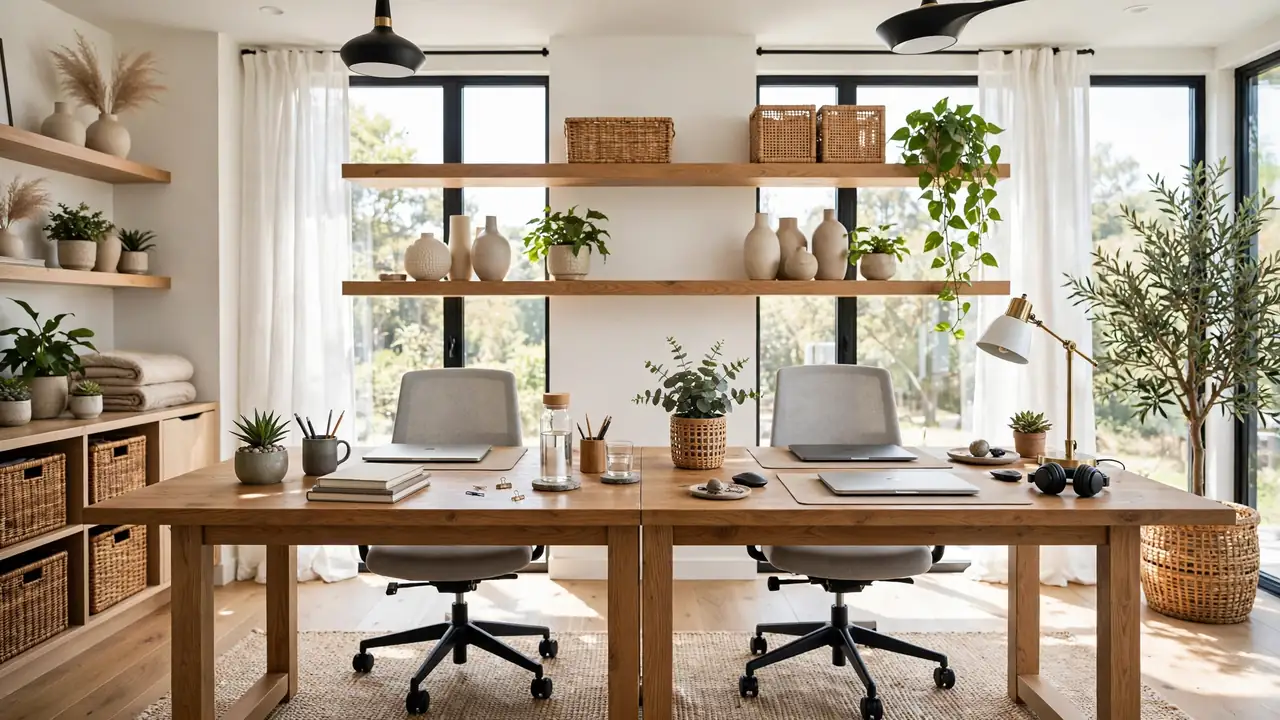
24 Shared Desk Space Ideas for Better Daily Focus
Working side by side can either boost productivity or test a relationship, and shared desk space ideas make all the difference. In my experience, two people can share one desk beautifully when the setup respects both work styles. These 24 ideas show you how to divide space fairly, manage cables and clutter, and keep the peace during long workdays. You will learn which desk layouts work best for small rooms, how to handle different schedules gracefully, and what small touches make shared work feel genuinely good. Let’s build a workspace that works beautifully for both of you every single day.
Below are 24 ideas, from desk layouts to peace-keeping tips. For more workspace inspiration, see my brown couch living rooms. Let’s share the desk.
Face to Face Desks
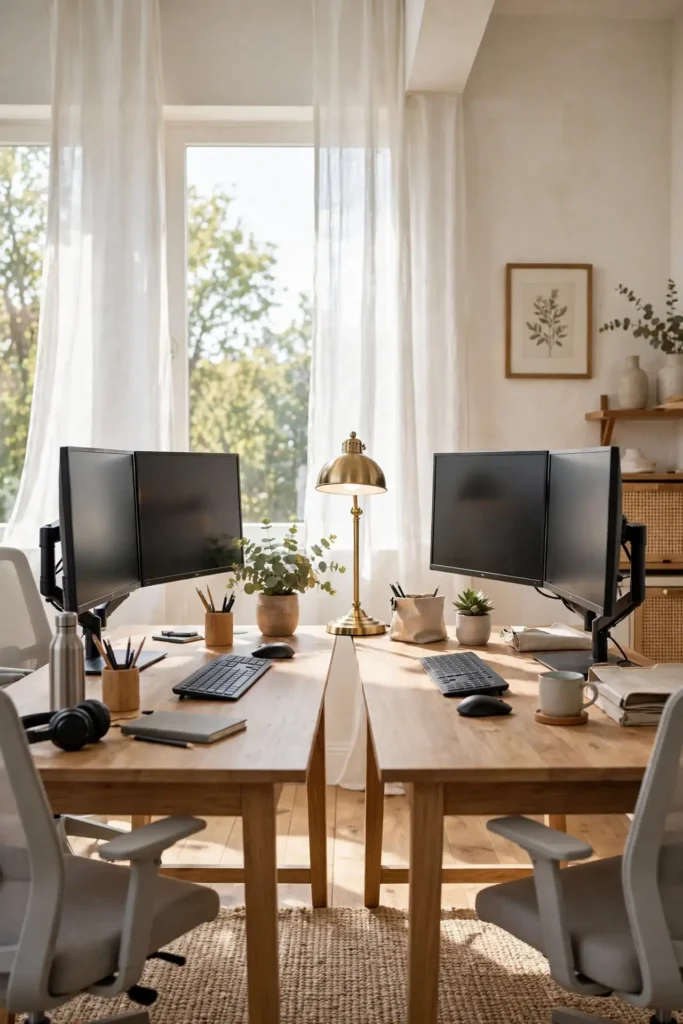
Face to face desks turn shared work into collaboration. Placing two desks opposite each other creates natural conversation while keeping workspaces distinct. This layout works beautifully for couples who enjoy working together. The shared center can hold a lamp, plants, or reference materials you both use.
In my experience, face to face works best when both people have similar work rhythms. If one person takes constant calls, the facing layout can distract the other. I recommend a small divider or plant in the center for visual separation. Keep the desk surfaces coordinated for a unified look. This is the layout for collaborative couples.
Side by Side Stations
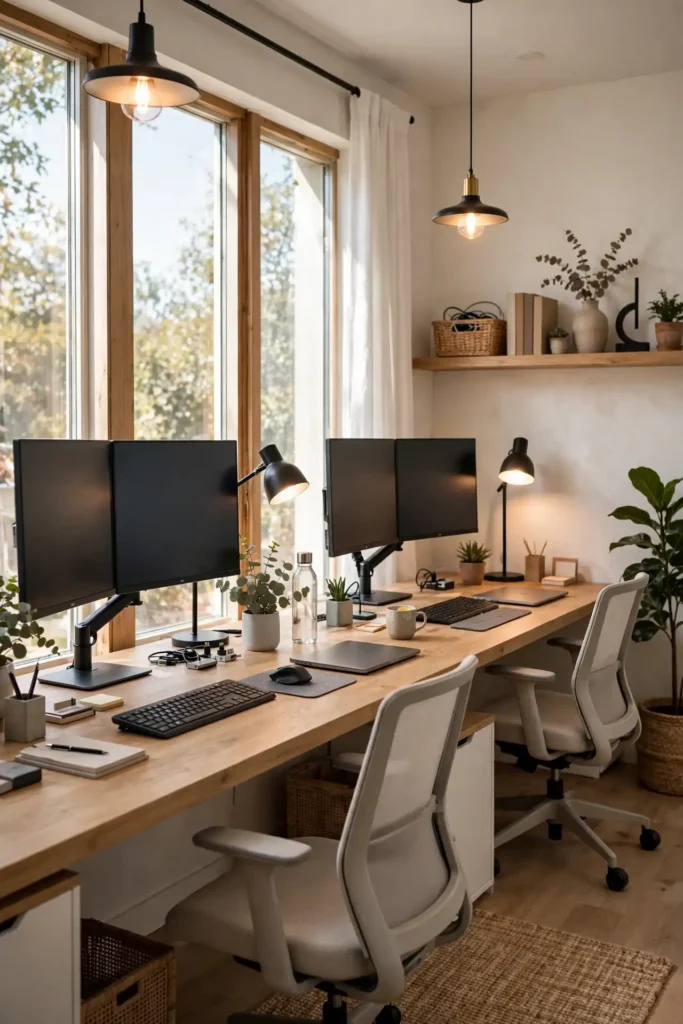
- Use one long desk or two matching desks pushed together.
- Give each person at least 30 inches of width for comfortable work.
- Use matching chairs for visual harmony, or let each choose their own.
- Place a shared printer or supplies at one end for easy access.
- Keep the wall behind the desk organized with shared shelving.
Side by side stations are the most popular shared desk layout. The long desk gives each person their own zone while keeping you close. I’ve seen this work well in spare bedrooms and living room corners, where the linear shape fits naturally. The key is giving each person enough width. This is the layout for parallel workers who like company.
L Shaped Corners
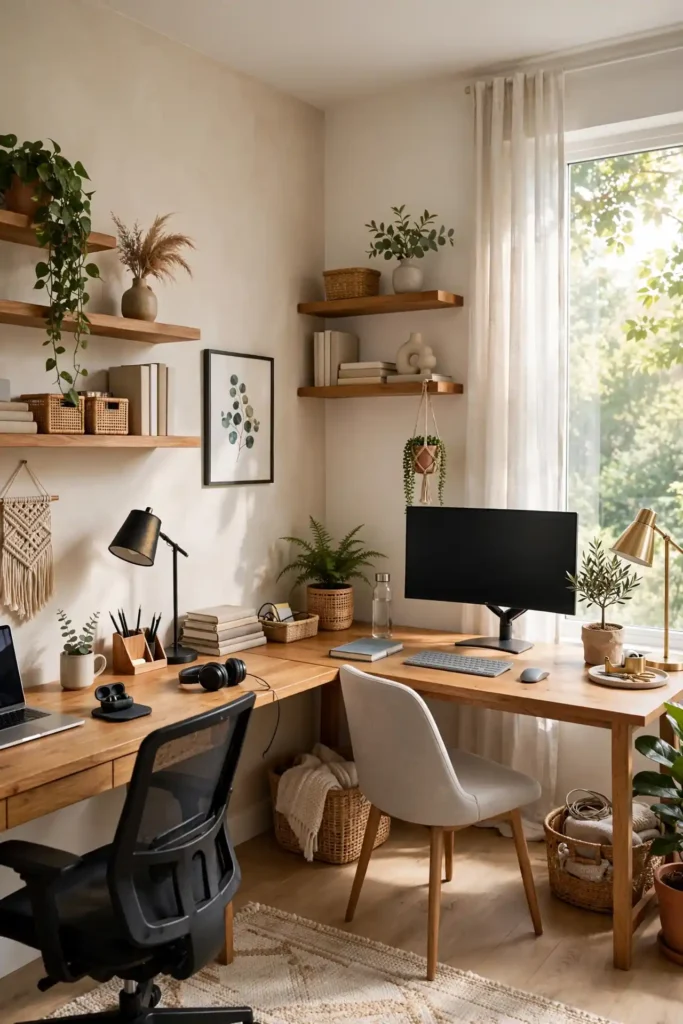
Quick Tip: L shaped arrangements give each person their own wall and sightline. The corner becomes shared storage, and neither person feels like they’re in the other’s peripheral vision all day.
L shaped corners maximize corner space while giving each worker definition. Each person faces a different wall, which reduces distraction and creates a sense of personal territory. This layout fits beautifully in bedroom corners and home offices. The corner itself becomes valuable shared storage.
I recommend L shapes for people with different work styles. The angled arrangement means you’re close but not staring at each other. Use the corner for a shared printer or plant. This is the layout that gives togetherness with boundaries.
Back to Back Setup
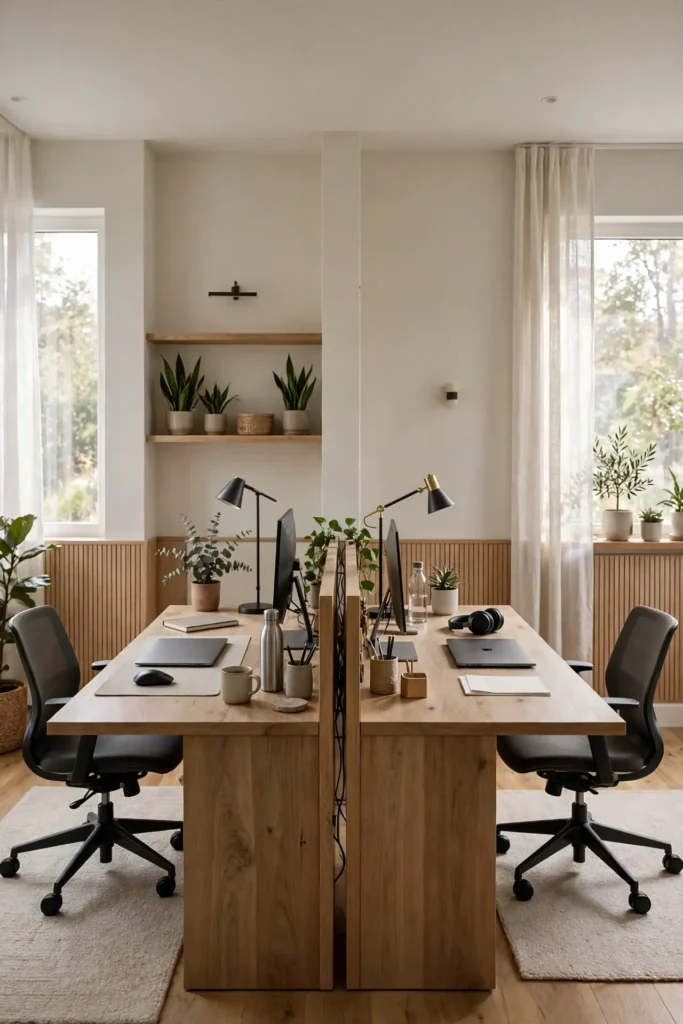
BEFORE: Two people share a room but constantly distract each other, with screens visible and conversations interrupting focus. Productivity suffers and tension builds. AFTER: Back to back desks give each person their own visual world, and suddenly both can focus deeply. The shared room feels twice as large.
Back to back desks are the introvert’s answer to shared workspaces. Each person faces away, eliminating visual distraction completely. I recommend this for people who need deep focus or take frequent video calls. The arrangement needs a room large enough for two desk depths. This is the setup for maximum focus in a shared room.
Divider Screen Privacy
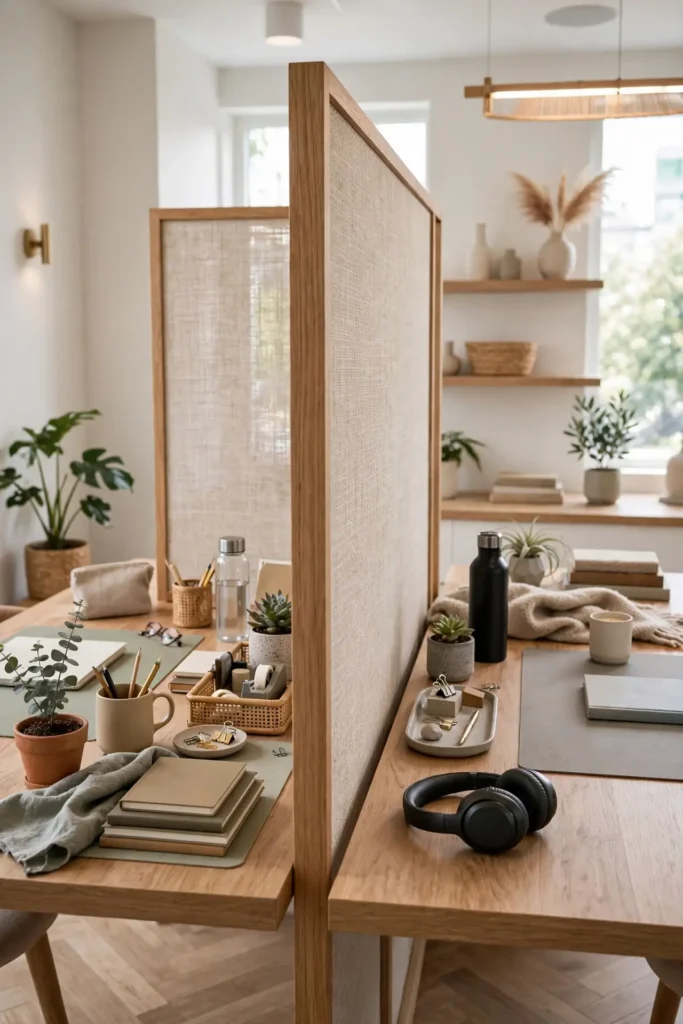
- Choose a divider that matches your decor, not an office cubicle panel.
- Keep the divider low enough for conversation but high enough for screen privacy.
- Use the divider as a pinboard for shared notes and inspiration.
- Make sure the divider is stable and won’t topple onto keyboards.
A stylish divider gives each person visual privacy without building walls. That’s why many experts recommend dividers for shared desks, since they define territory while keeping the room open. Choose materials like felt, wood slats, or fabric that absorb sound. The divider can double as a pinboard. This is the boundary that keeps the peace.
Matching Chair Comfort
| Feature | Matching Chairs | Personal Chairs |
|---|---|---|
| Look | Coordinated, clean | Eclectic, personal |
| Comfort | Same for both | Tailored to each |
| Cost | Bulk buying saves | Varies widely |
| Best for | Visual harmony | Different body needs |
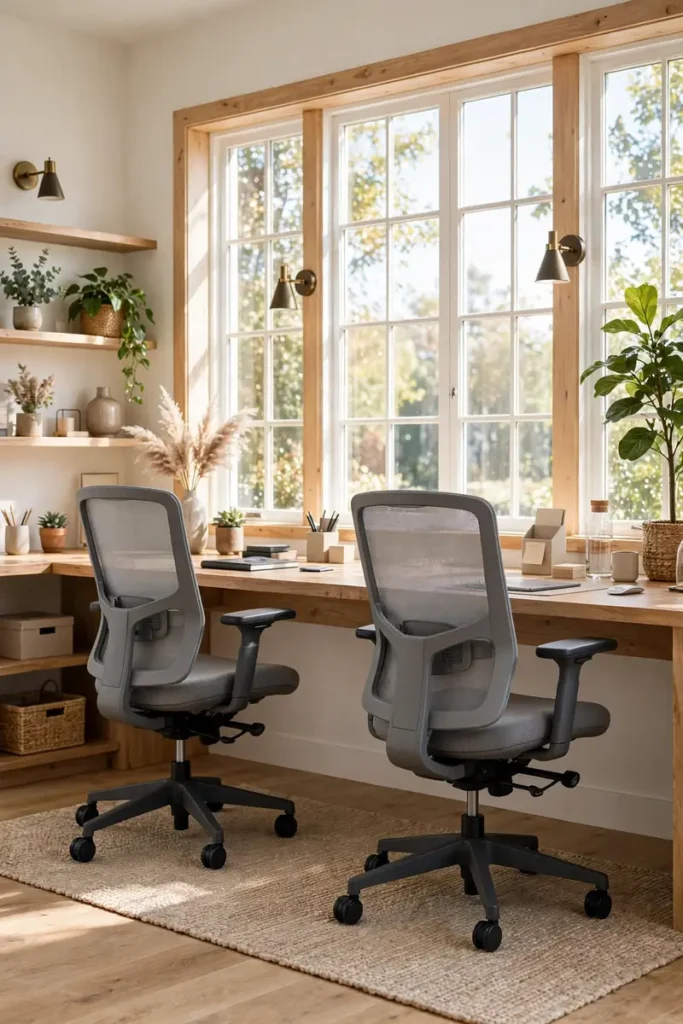
Comfortable chairs are non-negotiable in shared workspaces. Whether you match or choose individually, both chairs should support long workdays. I recommend investing equally in both seats, since resentment builds when one person is comfortable and the other isn’t. Look for adjustable lumbar support, breathable fabric, and armrests that suit long hours. Test chairs in person when possible before committing. This is the foundation of a fair and comfortable shared desk.
Cable Management Systems
DO:
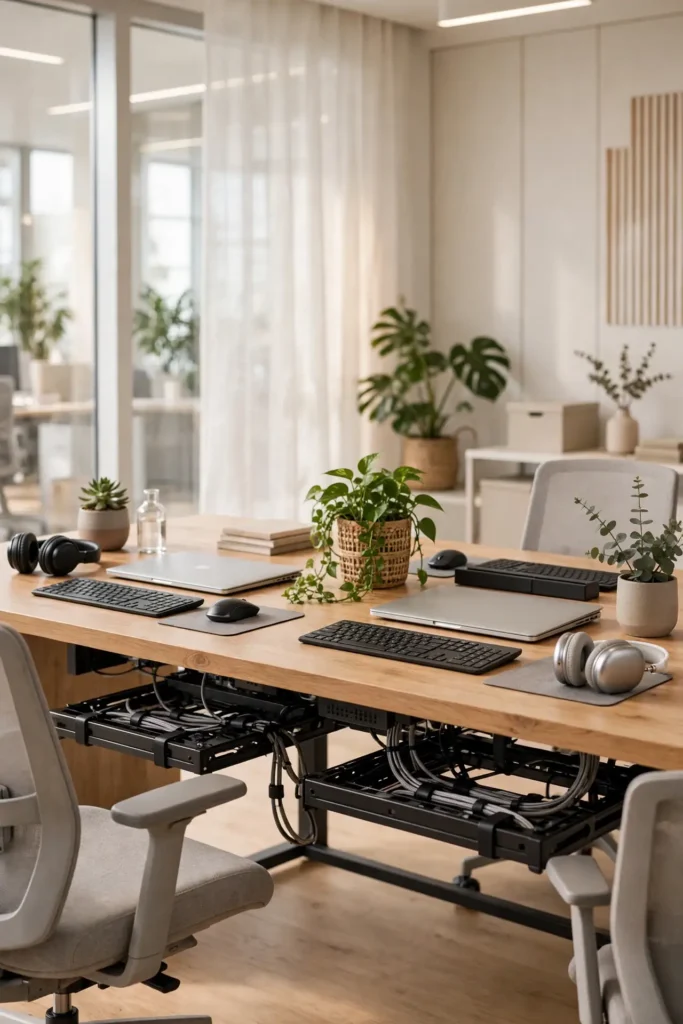
- Use under-desk cable trays to keep cords off the floor.
- Label every cable so you know whose charger is whose.
- Mount a power strip under the desk for easy access.
DON’T:
- Let cables tangle together; they become a shared frustration.
- Run cables across walkways where they create tripping hazards.
- Forget to leave slack for adjustable standing desks.
Cable chaos multiplies with two workers sharing one desk. A good management system keeps cords hidden, labeled, and tangle-free. I’ve seen this work well when each person gets their own cable tray and power strip. The initial setup takes an hour but saves daily frustration. This is the organization that prevents tech arguments.
Personal Lighting Zones
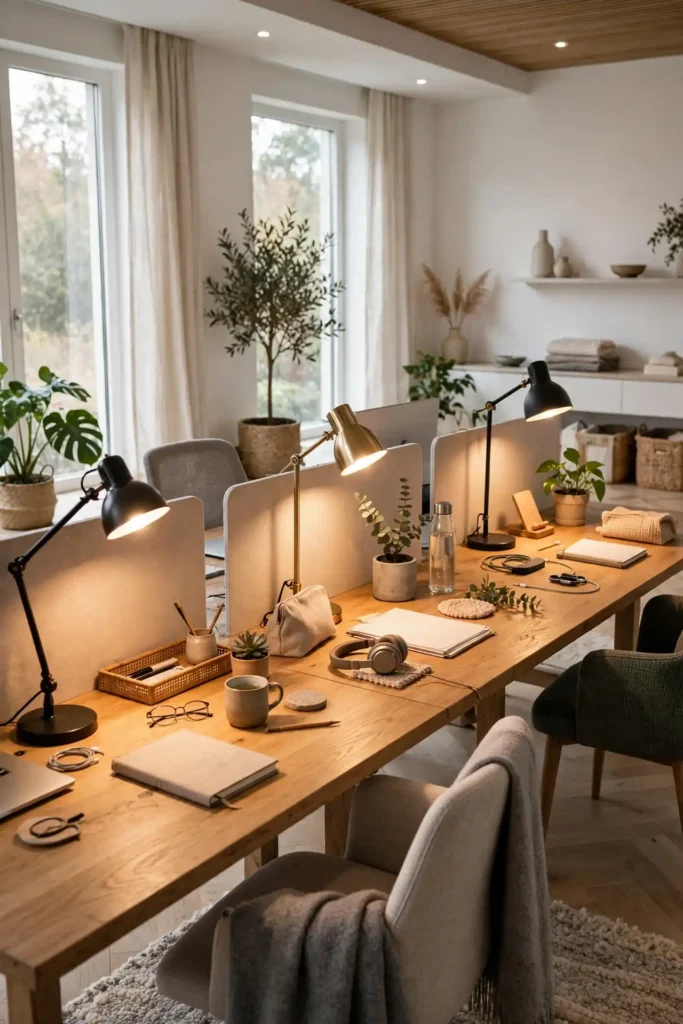
Cost: Low, two good lamps are affordable. Time: Minutes to set up. Skill Level: Easy. Best For: Every shared desk, every worker.
Individual desk lamps let each person control their own light. One worker might want bright task lighting while the other prefers a warm glow. Separate lamps prevent lighting arguments and reduce eye strain for both workers. I recommend adjustable lamps with warm-to-cool settings so each person can match their light to the time of day. Position lamps carefully to avoid screen glare and reduce eye fatigue. This is the thoughtful personal touch that makes shared work truly comfortable.
Shared Storage Towers
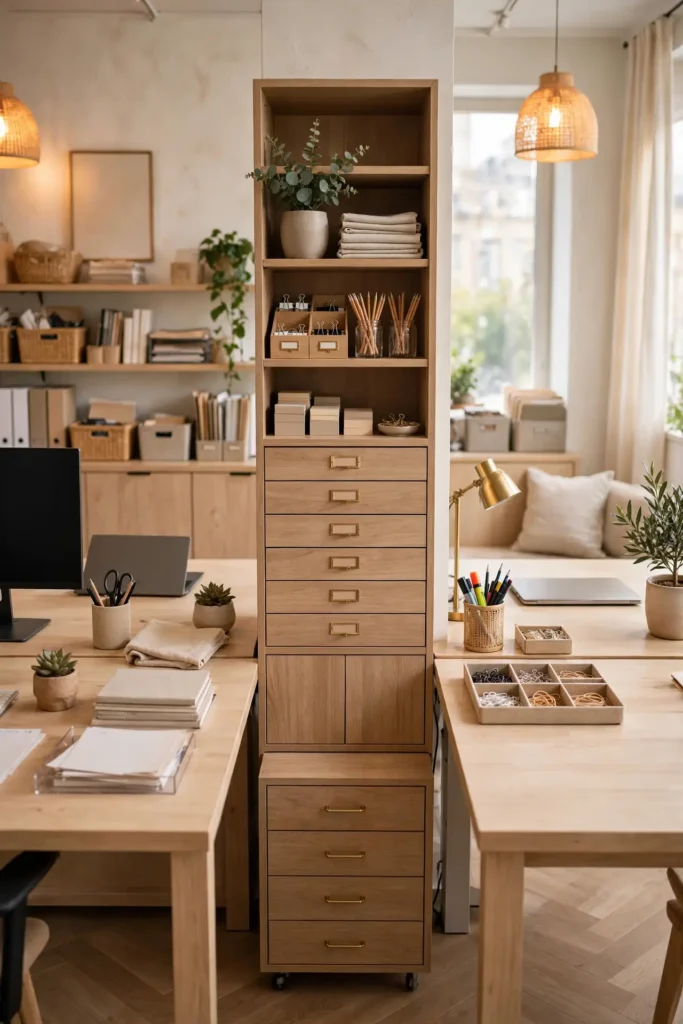
Shared storage towers between desks keep supplies accessible to both workers. The narrow drawer units fit in the gap between workstations, holding shared items like paper, pens, and chargers. Label the drawers so both people know where things live. This prevents the endless searching that wastes shared work time.
In my experience, shared storage works best with clear rules about what goes where. Dedicate top drawers to shared supplies and lower drawers to personal items. I recommend a tower with at least six drawers for two workers. Keep it stocked together during a weekly reset. This is the storage that keeps shared desks functional.
Noise Control Strategies
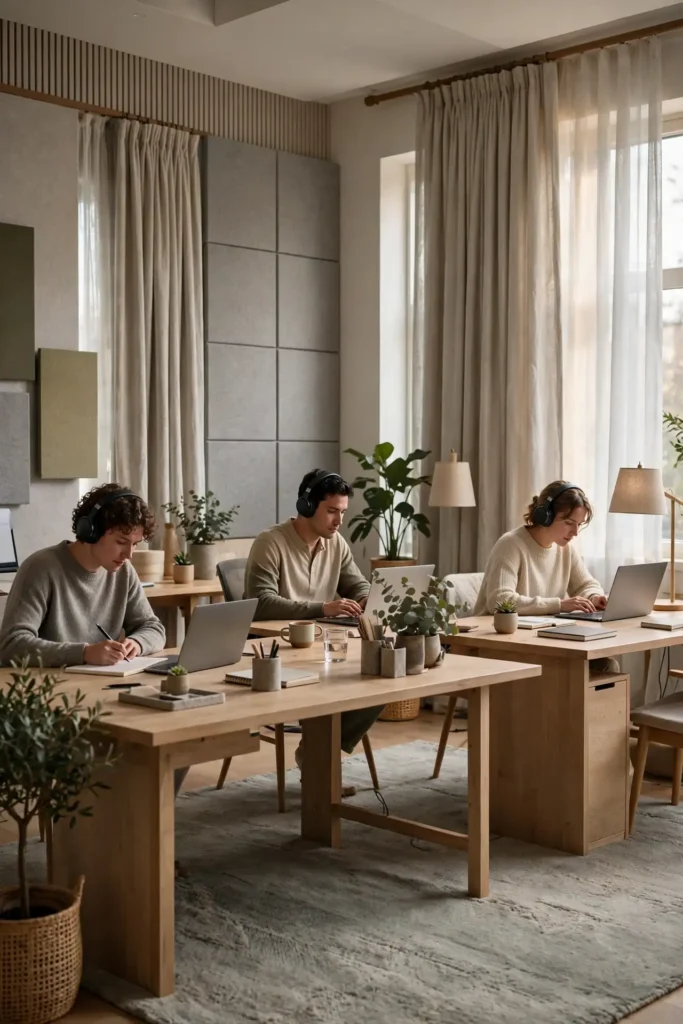
- Invest in good noise-canceling headphones for each worker.
- Add a rug and curtains to absorb sound in the room.
- Agree on call schedules so video meetings don’t overlap.
- Use a white noise machine for consistent background sound.
- Establish quiet hours for deep focus work.
Noise is the biggest challenge in shared workspaces. The right strategies let two people work in harmony even with different noise needs. I’ve noticed that soft furnishings make a huge difference in echo and sound travel. Combine physical solutions with agreed quiet hours for the best results. This is the peace treaty every shared desk needs.
Dual Monitor Harmony

Quick Tip: Matching monitor setups create visual harmony and prevent screen envy. When both workers have similar screen real estate, neither feels like they got the worse deal.
Dual monitors double productivity, but in shared spaces they need coordination. Matching setups keep the desk looking clean and prevent one worker’s screens from dominating. Use monitor arms to free desk space and allow height adjustment. The symmetry also makes the workspace feel intentional.
I recommend discussing monitor placement together before buying arms or stands. Screens should face away from each other to prevent glare and visual distraction. Keep brightness levels similar so neither screen overwhelms the other. This is the tech setup for serious shared productivity.
Color Coded Supplies
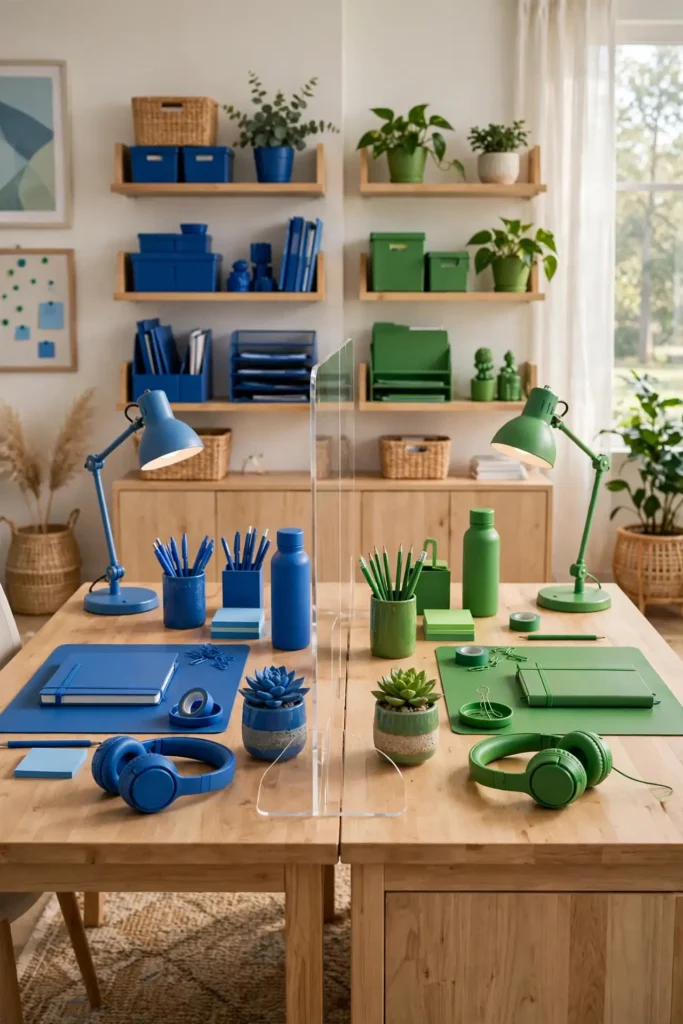
BEFORE: Supplies migrate across the desk and arguments start over whose pen is whose. The shared space feels chaotic and neither person can find their things. AFTER: Color coding gives each person instant visual ownership, and suddenly the desk stays organized. The colors add cheerful personality to the workspace.
Color coding supplies prevents the small frictions that build up in shared spaces. For more organization ideas, see my small home office ideas. Assign each person a color for pens, notebooks, and organizers. The visual system makes it obvious when something is borrowed. This is the simple trick that keeps shared desks civil.
Wall Clock Syncing

- Hang a large clock where both workers can see it easily.
- Agree on shared break times to stay in sync.
- Use the clock to signal quiet hours and collaborative time.
- Sync your calendars so meetings don’t surprise each other.
A shared wall clock keeps two workers in rhythm. That’s why many experts recommend visible timekeeping in shared offices, since it prevents one person’s schedule from surprising the other. Agree on break times and quiet hours, then let the large visible wall clock above enforce them gently without any nagging. This is the simple synchronization that makes shared workdays flow smoothly.
Plant Filled Dividers
| Feature | Plant Dividers | Solid Dividers |
|---|---|---|
| Privacy | Soft, partial | Complete visual block |
| Light | Allows light through | Blocks some light |
| Maintenance | Watering needed | Dust occasionally |
| Mood | Fresh, alive | Clean, minimal |
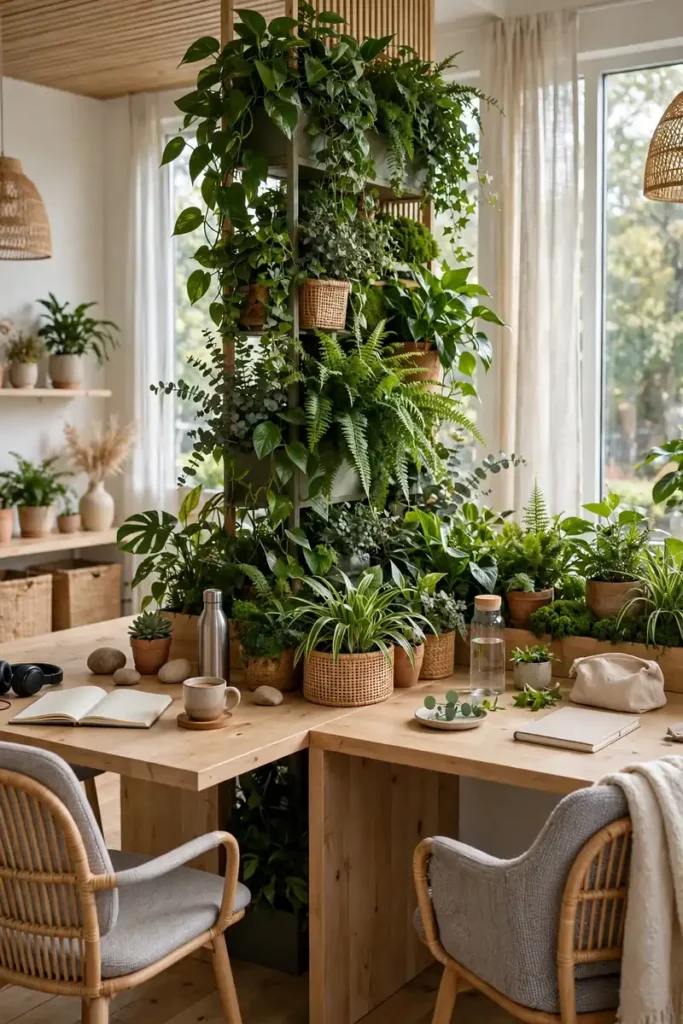
Plants make the friendliest desk dividers. A row of greenery between workstations creates a living boundary that softens the shared space. I recommend low-maintenance plants like pothos and snake plants that thrive in typical office light. The green also reduces stress for both workers and improves air quality. Arrange plants at varying heights in beautiful ceramic pots together for the most natural and lush look. This is the divider that everyone loves.
Personalized Name Plates
DO:
- Use fun name plates to mark each person’s territory playfully.
- Let each worker decorate their side however they like.
- Keep name plates small so they don’t dominate the desk.
DON’T:
- Use name plates to enforce rigid boundaries unkindly.
- Let one person’s decor overwhelm the shared space.
- Forget that the plates should make you smile, not stress.
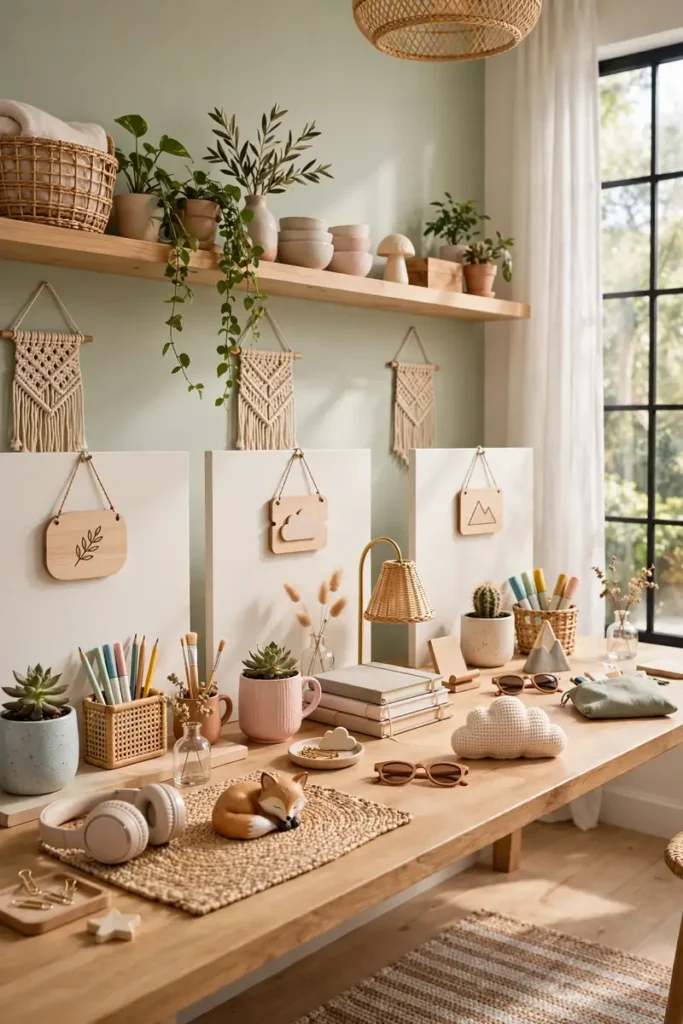
Name plates add playful ownership to shared desks. The small signs mark territory with humor rather than strictness. I’ve seen this work well for couples and roommates who want to keep things light. Let each person choose their own plate style. This is the personal touch that makes sharing fun.
Standing Desk Options
Cost: Medium, adjustable desks cost more. Time: An hour to assemble. Skill Level: Easy. Best For: Health-conscious workers with different preferences.
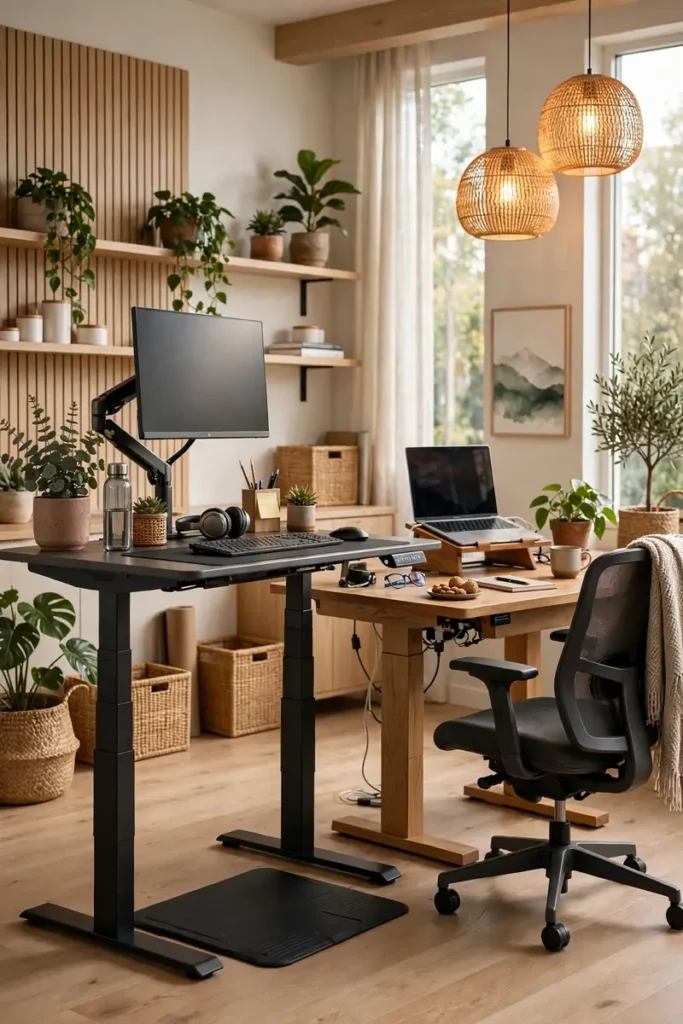
Standing desks let each worker choose their ideal position. When one person stands and the other sits, adjustable desks prevent the awkward height mismatch of fixed furniture. I recommend at least one adjustable desk in shared setups so each person can switch positions independently. The flexibility accommodates different bodies, heights, and energy levels throughout the day. Start with short 30-minute standing intervals and build up gradually. Your back, legs, and energy will thank you for the variety and movement.
Shared Inspiration Boards
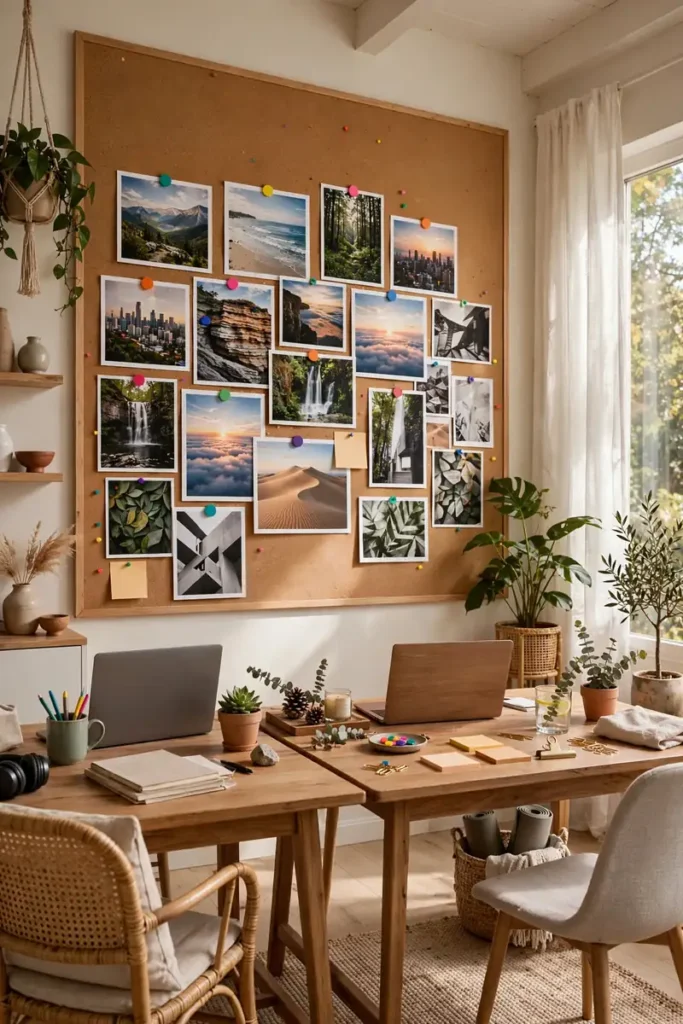
A shared inspiration board celebrates what you’re working toward together. Pin up goals, photos, and motivational quotes that matter to both workers. The board becomes a visual reminder of shared purpose. Place it where both people can see it from their chairs for daily motivation.
In my experience, shared boards strengthen the partnership behind the desk. The collaborative curation sparks conversations about dreams and plans. I recommend updating the board seasonally to keep it fresh and relevant. Keep it positive, colorful, inspiring, uplifting, hopeful, bright, and forward-looking for daily motivation. This is the decor that makes shared work feel meaningful.
Quiet Hours Agreement

- Agree on specific quiet hours for deep focus work.
- Use a small sign or signal to indicate focus time.
- Schedule collaborative work outside quiet hours.
- Respect the agreement even when it’s inconvenient.
Quiet hours are the social contract of shared desks. The agreed focus time lets both workers do deep work without guilt or interruption. That’s why many experts recommend formal quiet hours, since informal expectations lead to misunderstandings. Write the simple agreement down and post it visibly near the desk. Review it together monthly and adjust it as your schedules change. This is the rule that protects everyone’s productivity.
Dual Task Lighting
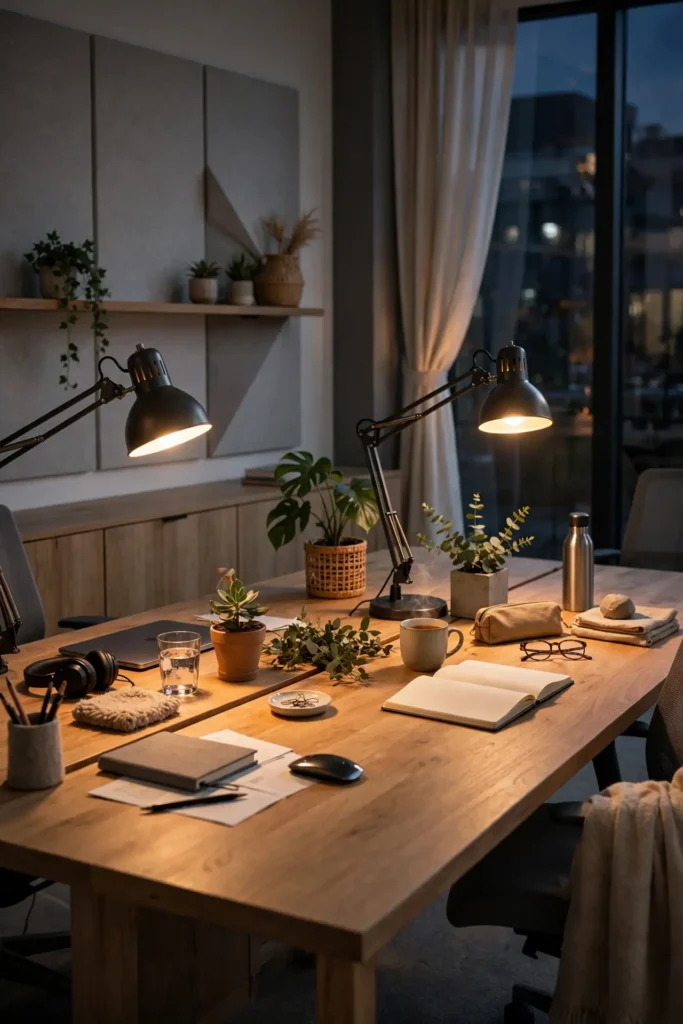
Quick Tip: Task lighting matters more in shared spaces because overhead lights create shadows and glare on two sets of screens. Individual lamps let each worker aim light exactly where they need it.
Dual task lamps give each worker precise light control. The adjustable arms let you direct light onto documents without creating screen glare. Choose lamps with warm-to-cool adjustment for different times of day. The personal control prevents the lighting compromises that frustrate shared workers.
I recommend clamp-style lamps that save desk space. The compact design leaves more room for work while providing excellent focused light. Match the lamp styles for visual harmony. This is the lighting detail that serious workers appreciate.
Snack Station Setup
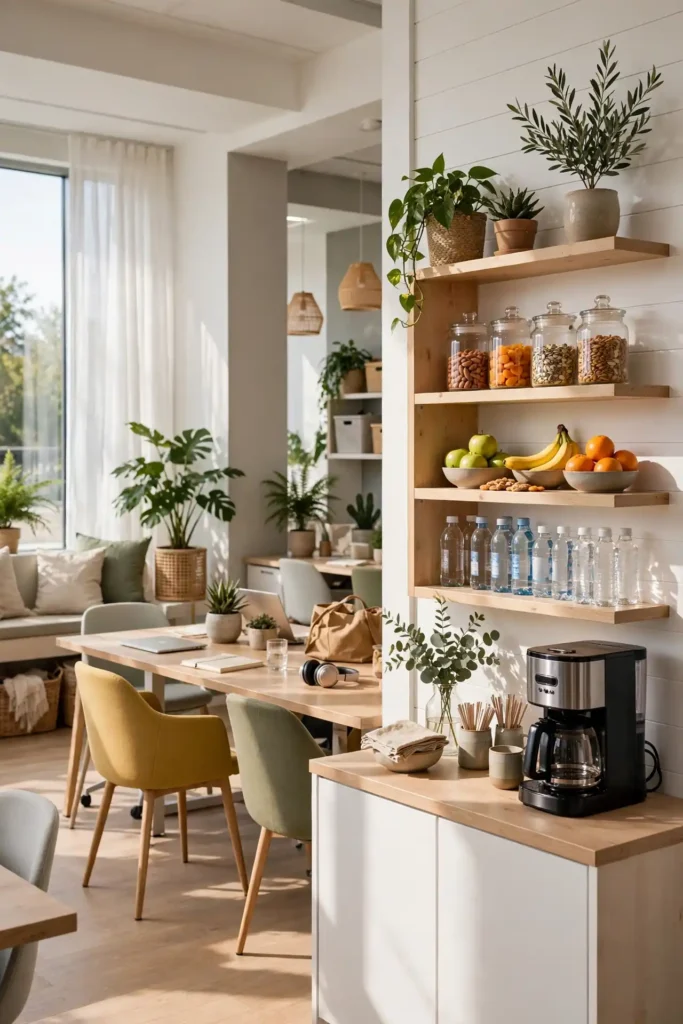
BEFORE: Hunger strikes mid-afternoon and both workers abandon their desks, losing focus and momentum. The kitchen trip becomes a 20-minute distraction. AFTER: A small snack station keeps fuel within reach, and suddenly afternoon slumps disappear. The shared treats become a bonding ritual.
A snack station keeps both workers fueled without desk abandonment. Stock a small shelf with healthy snacks, water, and coffee supplies. I recommend taking turns restocking to keep it fair. The shared ritual of afternoon tea or coffee builds real camaraderie. Keep the station tidy, clean, organized, and restocked together. This is the fuel station for productive partnerships.
Ergonomic Assessments
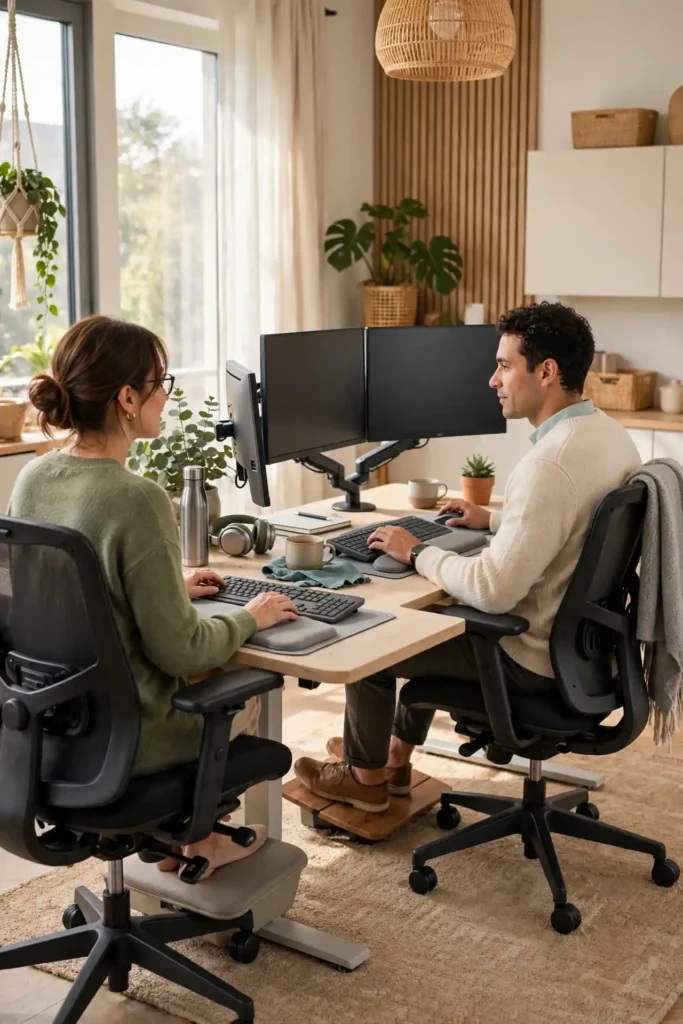
- Adjust chair height so feet rest flat on the floor.
- Position monitors at eye level, about arm’s length away.
- Keep keyboards and mice at elbow height.
- Add footrests if feet don’t reach the floor comfortably.
Ergonomic setups prevent the aches that make shared work miserable. Each worker needs their chair, monitor, and keyboard adjusted to their body. I’ve seen this work well when couples do the adjustments together, helping each other find the right positions. The investment in comfort pays off in daily productivity and health. Recheck your setup every few months. This is the health foundation for long workdays.
Weekly Desk Resets
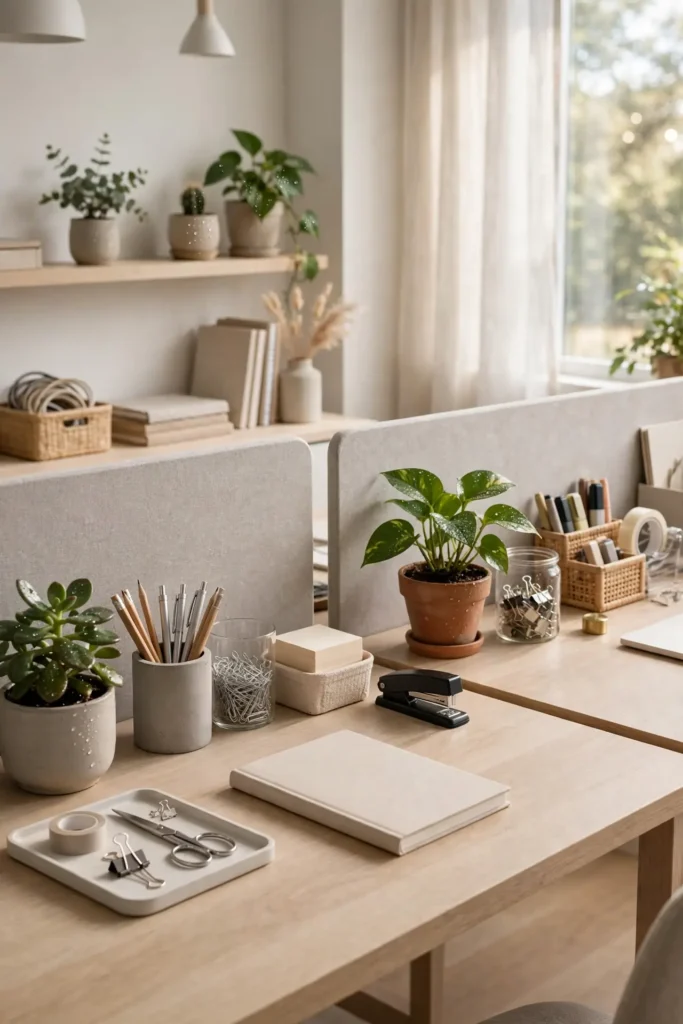
| Feature | Weekly Reset | Daily Tidy |
|---|---|---|
| Time needed | 15 minutes together | 2 minutes each |
| Scope | Deep clean and restock | Quick surface clear |
| Best day | Friday afternoon | End of workday |
| Benefit | Fresh Monday start | Calm evenings |
Weekly desk resets keep shared workspaces functional long-term. The 15-minute Friday ritual of cleaning, restocking, and organizing prevents the slow creep of clutter. I recommend doing it together with music playing to make it enjoyable. The shared responsibility keeps things fair and prevents resentment. Wipe surfaces, empty trash, and restock supplies during the reset. This is the simple weekly habit that makes shared desks sustainable long-term.
Personal Touch Corners
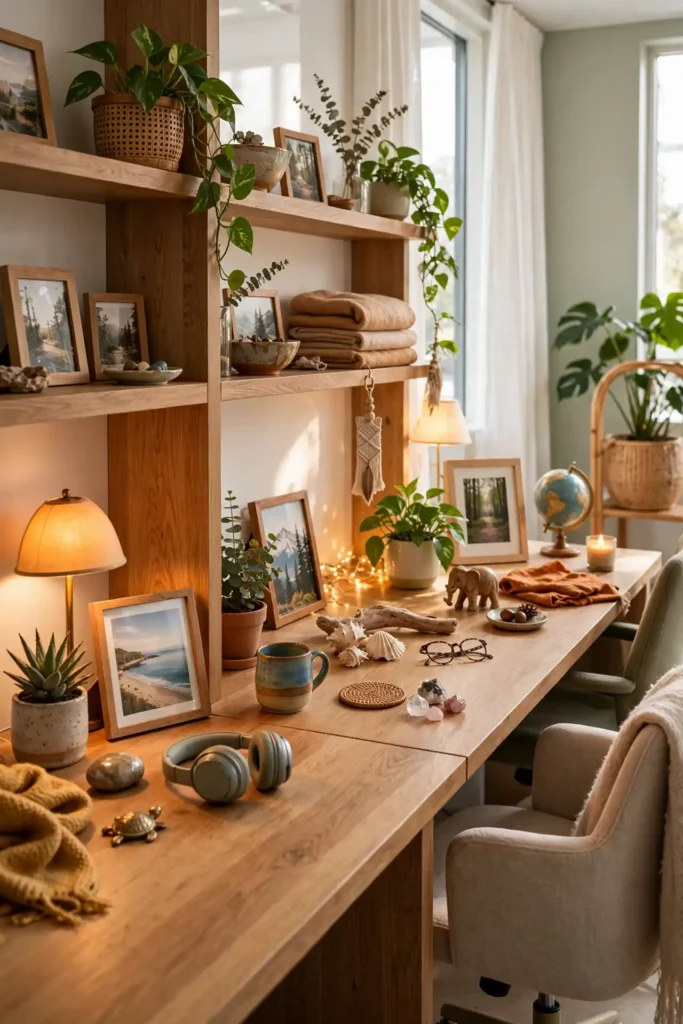
DO:
- Let each worker personalize their corner with photos and mementos.
- Keep personal items contained to your own zone.
- Choose a few meaningful items rather than cluttering the space.
DON’T:
- Let personal items spill into your partner’s workspace.
- Display anything that might distract or annoy the other person.
- Forget to dust and maintain your personal corner.
Personal touches make shared desks feel like home. The photos, plants, and mementos remind each worker that the space is theirs too. I’ve noticed that personalized corners reduce the institutional feel of shared workspaces. Keep the personal items tidy and contained. This is the warmth that makes shared work enjoyable.
Celebration Rituals

Cost: Free, just intention. Time: Moments throughout the week. Skill Level: Effortless joy. Best For: Every shared workspace partnership.
Celebration rituals turn shared work into shared joy. The small toasts, high-fives, and treats that mark completed projects build positive association with the workspace. I recommend a Friday wins ritual where you share the week’s victories over coffee or treats. The habit transforms colleagues into true teammates who root for each other. Keep a small glass jar of handwritten celebration notes nearby on the desk to read together when motivation dips. This is the joy that makes shared desks truly special.
Conclusion
These shared desk space ideas prove that two people can work beautifully side by side in the same room. Start with a fair layout and clear agreements about noise and space, and build your harmony from there. I’ve seen how small changes like these can completely shift the way a space feels. Save your favorites on Pinterest, set up your shared desk this weekend, and enjoy working together in perfect harmony every day. Share your workspace setup to inspire other couples and coworkers. Your partnership deserves a desk that works as hard as you both do.

One Comment