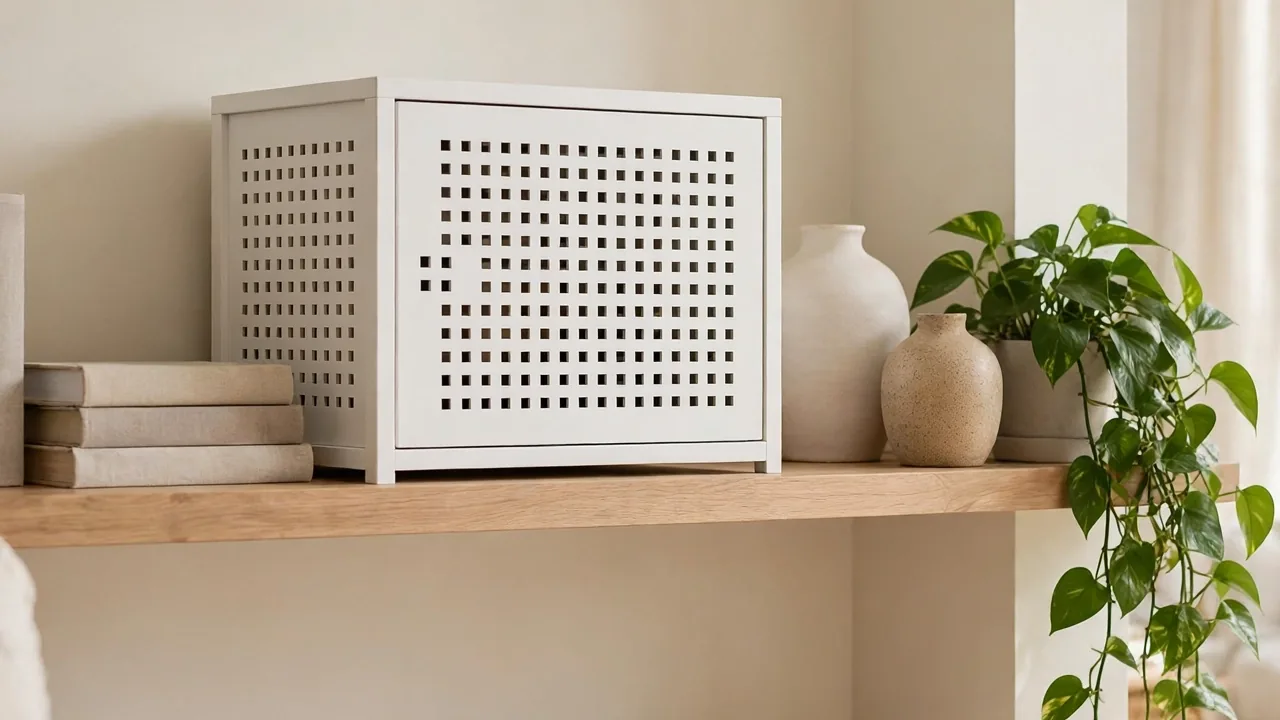
How to Hide a Router With Stylish Living Room Decor
That black router with its blinking green lights ruins an otherwise styled shelf, and learning how to hide a router with stylish living room decor changes everything. You keep your fast wifi and lose the visual clutter.
Once it disappears into the background, the whole room feels calmer and more pulled together. If furniture placement also trips you up, our guide on how to arrange furniture in a long narrow bedroom shares the same practical, beginner-friendly advice.
In my experience, people either bury the router in a closed cabinet, which kills the signal, or leave it out and feel annoyed daily. There is a better middle ground, and this guide walks you through it step by step.
Why Routers Ruin the Look
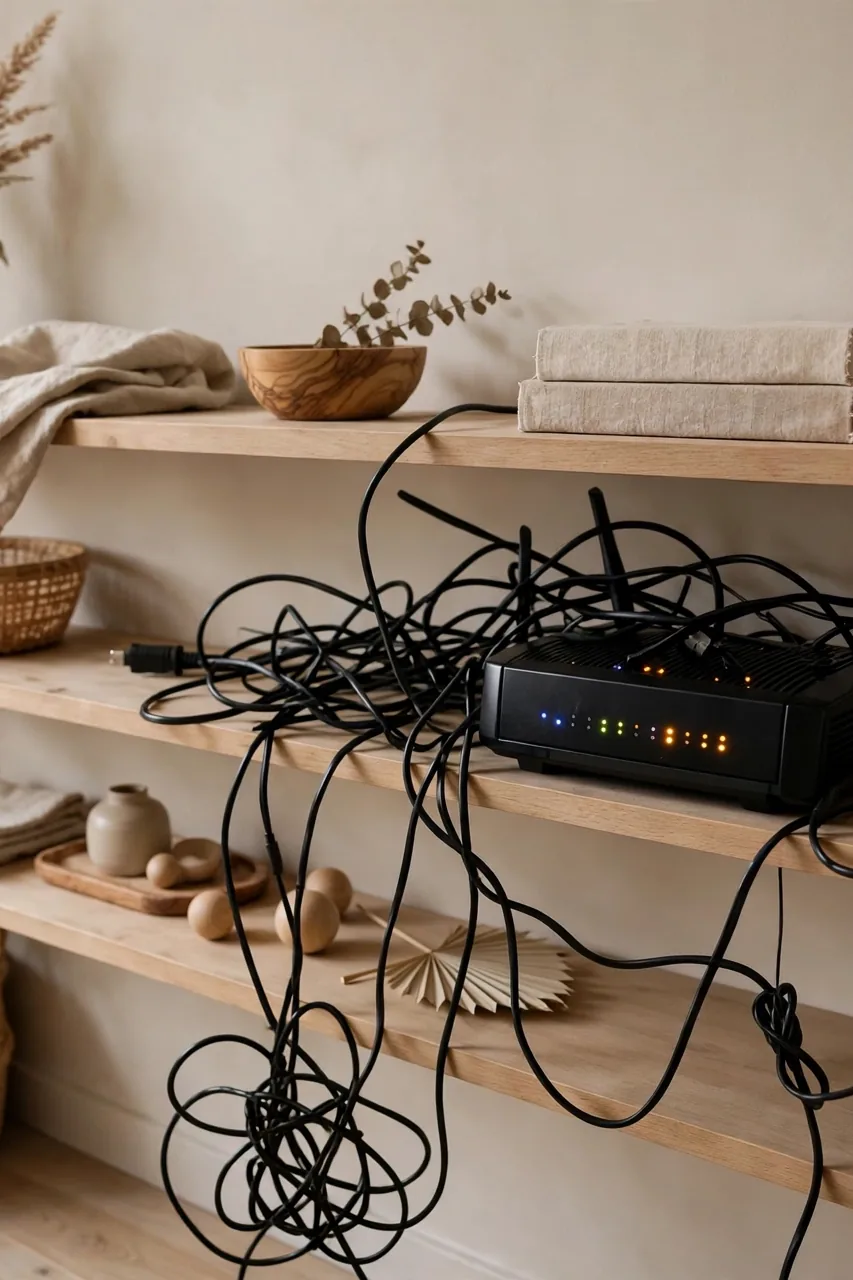
Most routers come in glossy black plastic with blinking lights and a tangle of cords, shaped for a server room rather than a styled living room. They sit where the cable enters, often the most visible shelf in the room, demanding attention exactly where you want calm.
The contrast is what hurts. You have soft linen textures, warm wood tones, and carefully chosen art, and then one harsh tech object breaks the whole mood. Hiding it does not mean fighting the technology. It means giving it a home that looks intentional.
Check Signal Needs First
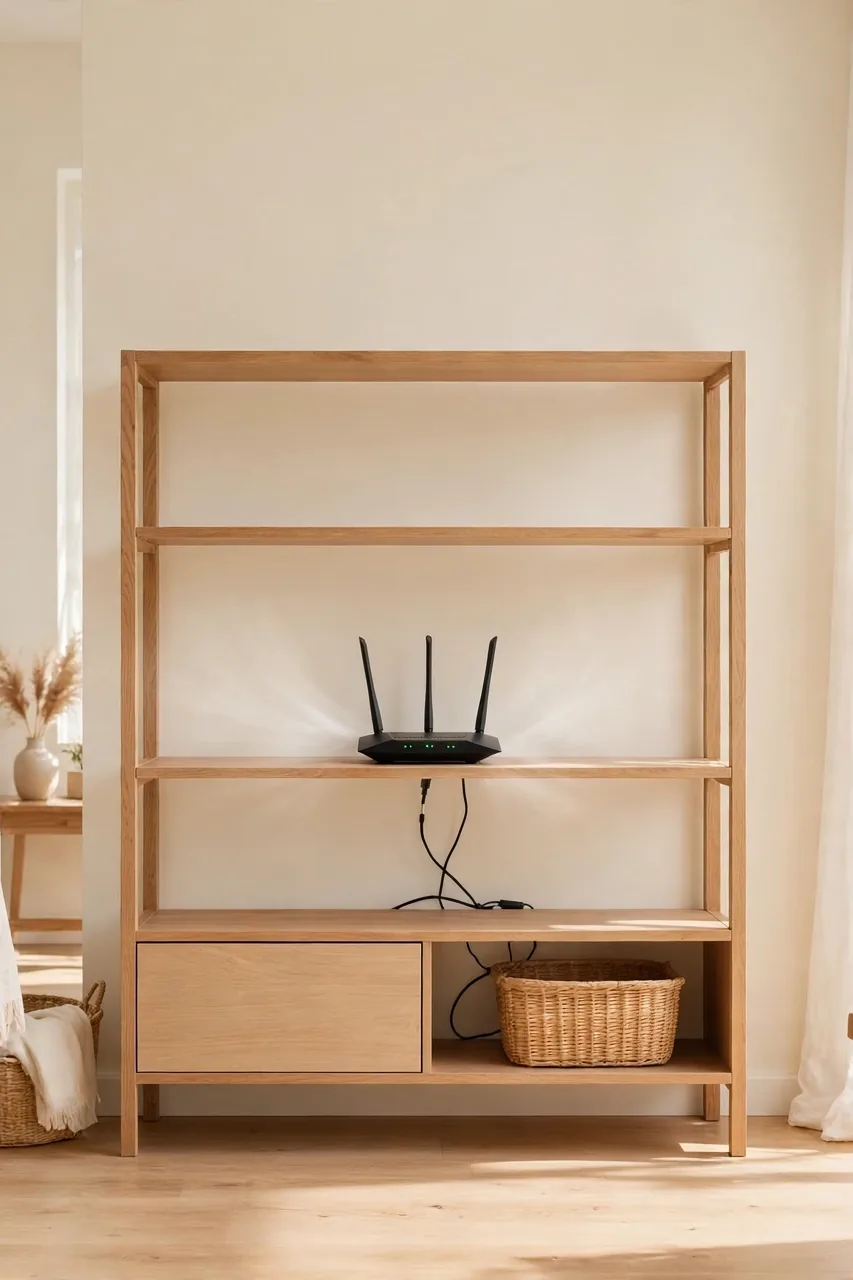
Before you hide anything, you need to understand what the router actually needs to keep working well. A router buried in the wrong place will drop calls and slow your streaming, and no stylish cover is worth a dead zone.
- Keep the router in a central, open spot in your home, since signals spread outward and a corner placement weakens coverage in far rooms.
- Place it on a shelf or mount rather than hiding it on the floor behind furniture, where the signal gets absorbed by walls and bodies.
- Check your router’s manual for ventilation clearance, because most models need a few inches of air on every side to avoid overheating.
- Run a quick speed test before and after you hide it, so you know immediately if your cover choice is hurting performance.
Hide in a Decorative Box
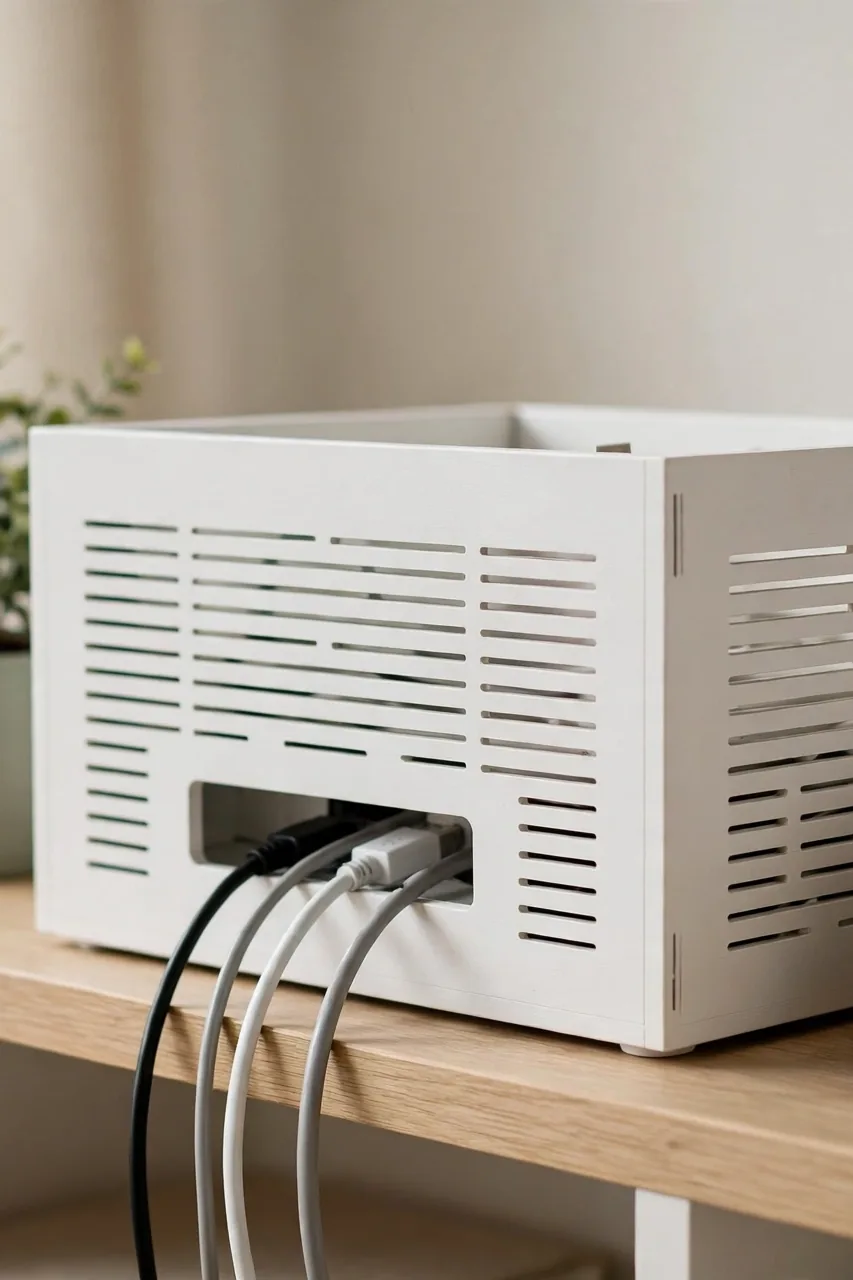
Quick Tip: Buy a ventilated router cover box, the kind sold as a wifi router storage box with cutouts on the back. A closed box without ventilation will overheat the router and kill your speed, so airflow is the one feature you must not skip.
These boxes look like small lidded baskets or minimalist storage cubes, and they come in wood, rattan, or linen finishes that blend right into a shelf. Cords thread through the back cutout, the blinking lights stay hidden, and the router still breathes. It is the fastest fix on this list.
Use Books to Camouflage
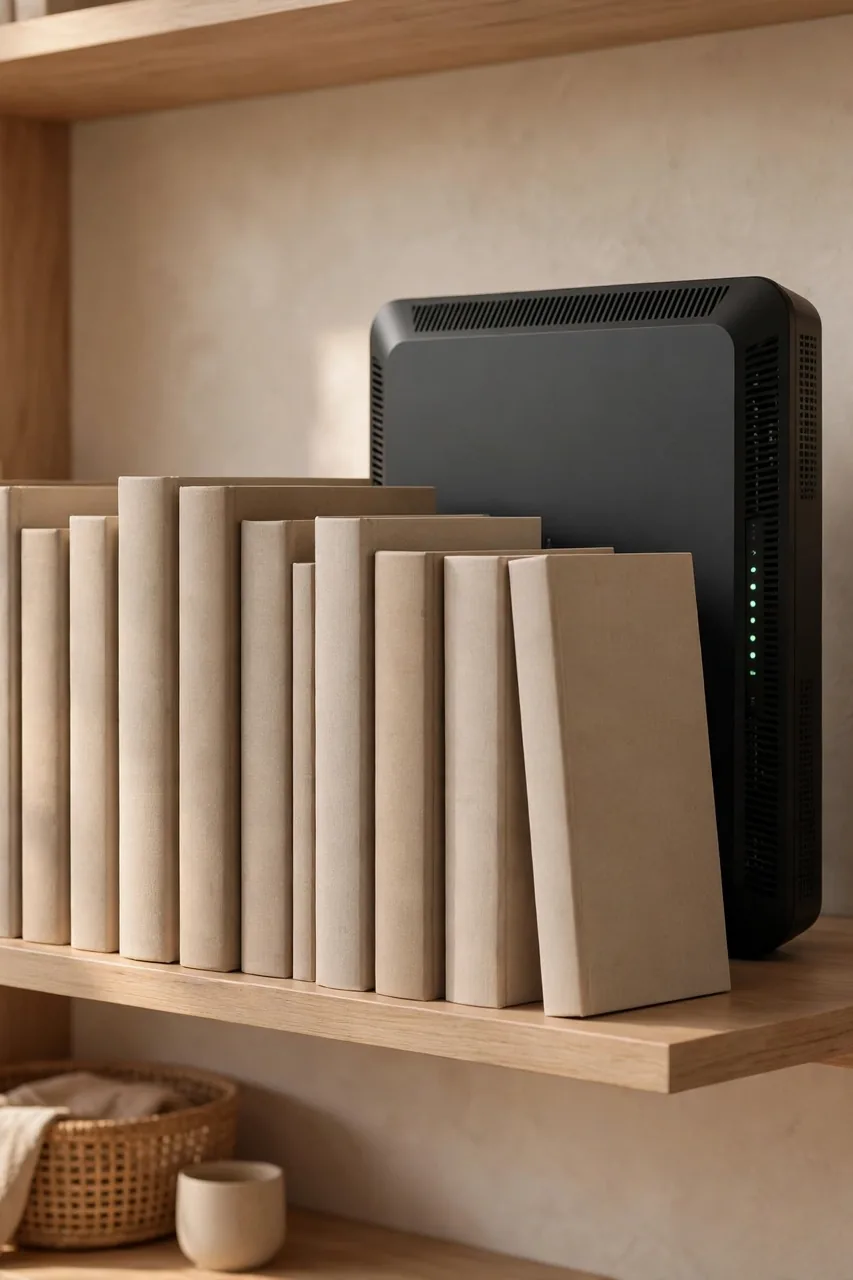
Common Mistake: Stacking the router inside a pile of thick hardcover books, sealed on all sides like a little book fort. It looks clever for a photo, but books trap heat and block the signal, which can cause overheating shutdowns on hot days.
The Fix: Stand the router upright behind a row of books instead, using the books as a screen rather than a box. Leave the front, back, and top open for airflow, and pull the book row forward a few inches so the router gets a clear signal path.
This works best on a bookshelf where the router already lives near other books. Choose books in neutral tones that match your shelf styling, and let the spines do the hiding. From the front, all anyone sees is a tidy row of books, and nobody guesses what sits behind them.
Try a Woven Basket
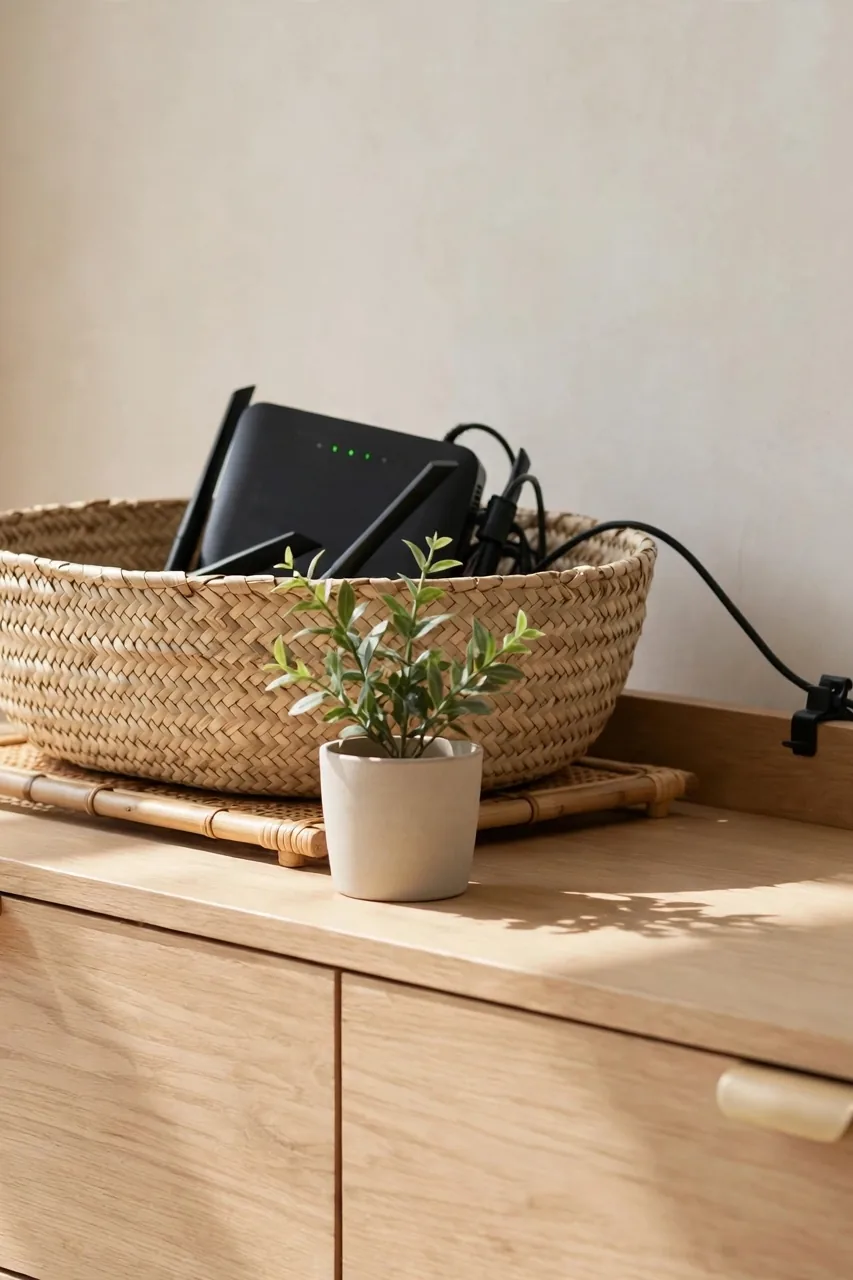
What You Need:
- A low woven basket: pick one shorter than your shelf opening so air flows over the top.
- A small cutting board or tray: sets the router off the basket floor for airflow underneath.
- A cord clip: keeps the power cable routed neatly out the back.
- A plant or book: sits in front of the basket for an extra layer of camouflage.
- A label, if needed: mark which device it is so family members do not unplug it by accident.
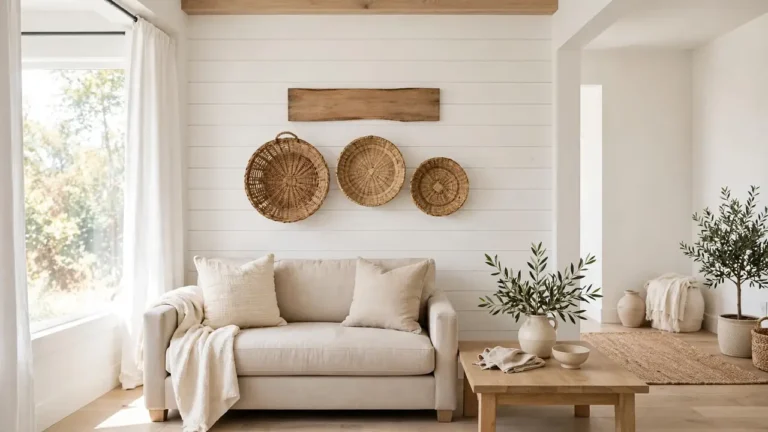
Set the router inside on its tray, tuck the cords down behind the shelf, and place the basket where the router used to sit. From across the room it reads as a storage basket. You will see that how to hide a router with stylish living room decor is about styling around what you have.
Place Behind Decor
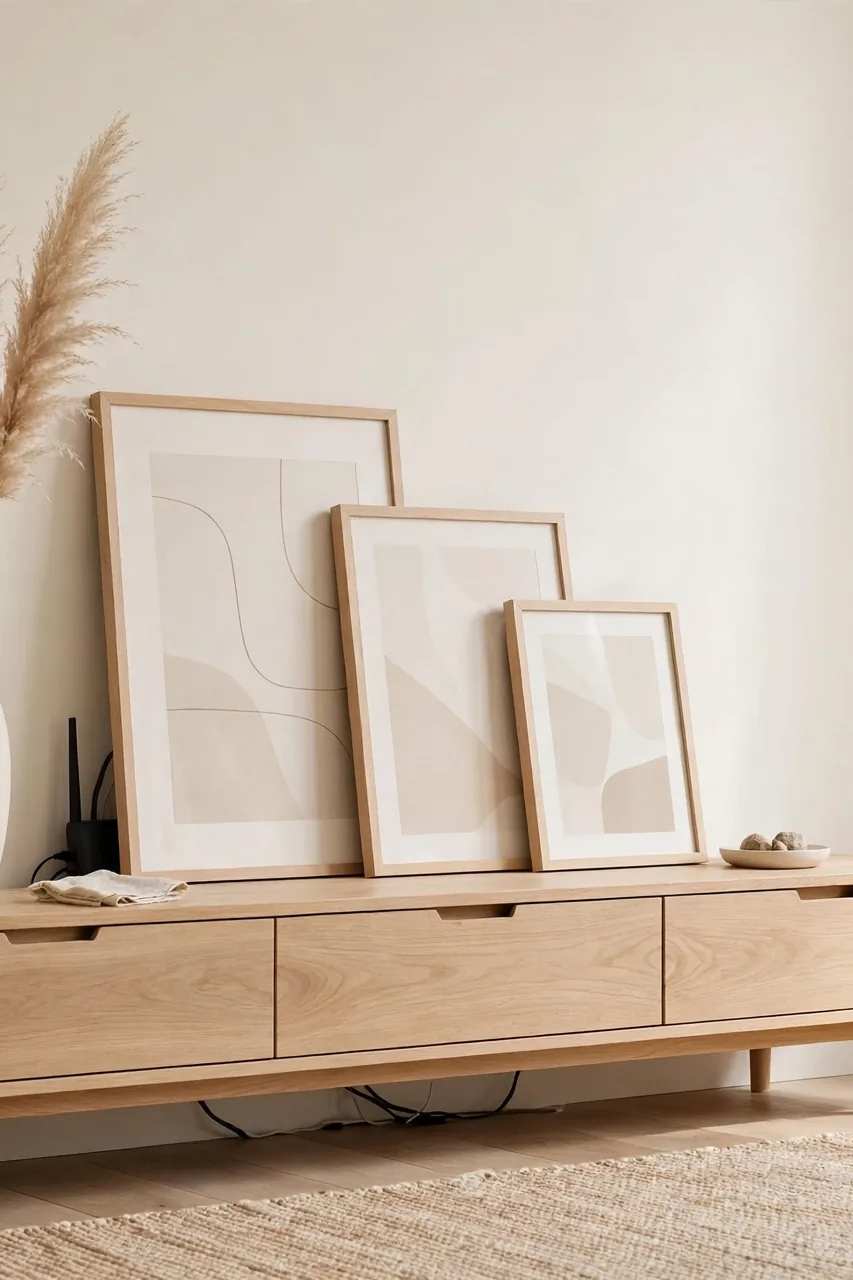
Before: The router sits front and center on the console, cords spilling over the edge, lights blinking at anyone who walks in. Every styled object on that shelf has to compete with a piece of black plastic.
After: A tall vase or a leaning frame now stands in front of the router, and the cords drop invisibly behind the console. The shelf reads as styled decor, and the router quietly does its job from the background.
This is the zero-cost option. Slide the router back a few inches, then arrange a vase, a small stack of books, or a framed print in front of it. Keep the front of the router facing an open gap rather than flat against the decor, so the signal travels freely into the room.
Mount on the Wall
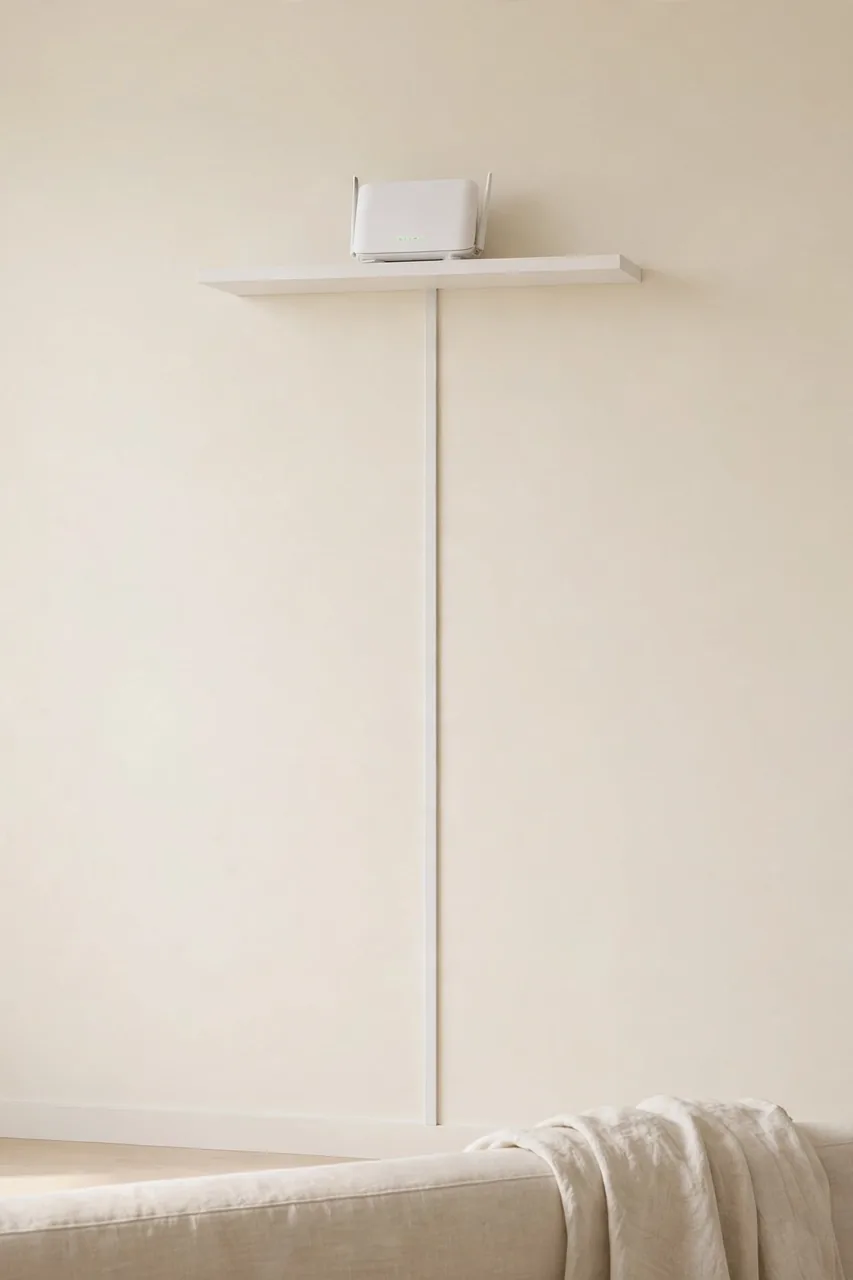
Do This:
- Mount the router high on the wall, where signals travel better and fewer objects block the path.
- Use adhesive strips or a small floating shelf so you can move it later without damage.
- Paint the mount or shelf the same color as the wall so it disappears.
- Route the cables down through a slim cord cover for a clean finish.
Avoid This:
- Do not screw into a wall near electrical wiring without checking first.
- Do not mount it behind a mirror, since mirrors reflect and weaken wifi signals.
- Do not enclose it in a metal box, which blocks radio signals almost completely.
- Do not forget to leave a gap for heat to escape around the unit.
Wall mounting works especially well when your cable entry point is up high and the router looks stranded on a tall shelf. With the cables tucked into a cover, the whole setup can fade into the wall paint, and you reclaim the shelf for things you actually want to look at.
For more ways to make your walls work harder, see our guide on how to decorate a living room with a low ceiling, where many of the same visual tricks keep a small room feeling open and calm.
Style Around It
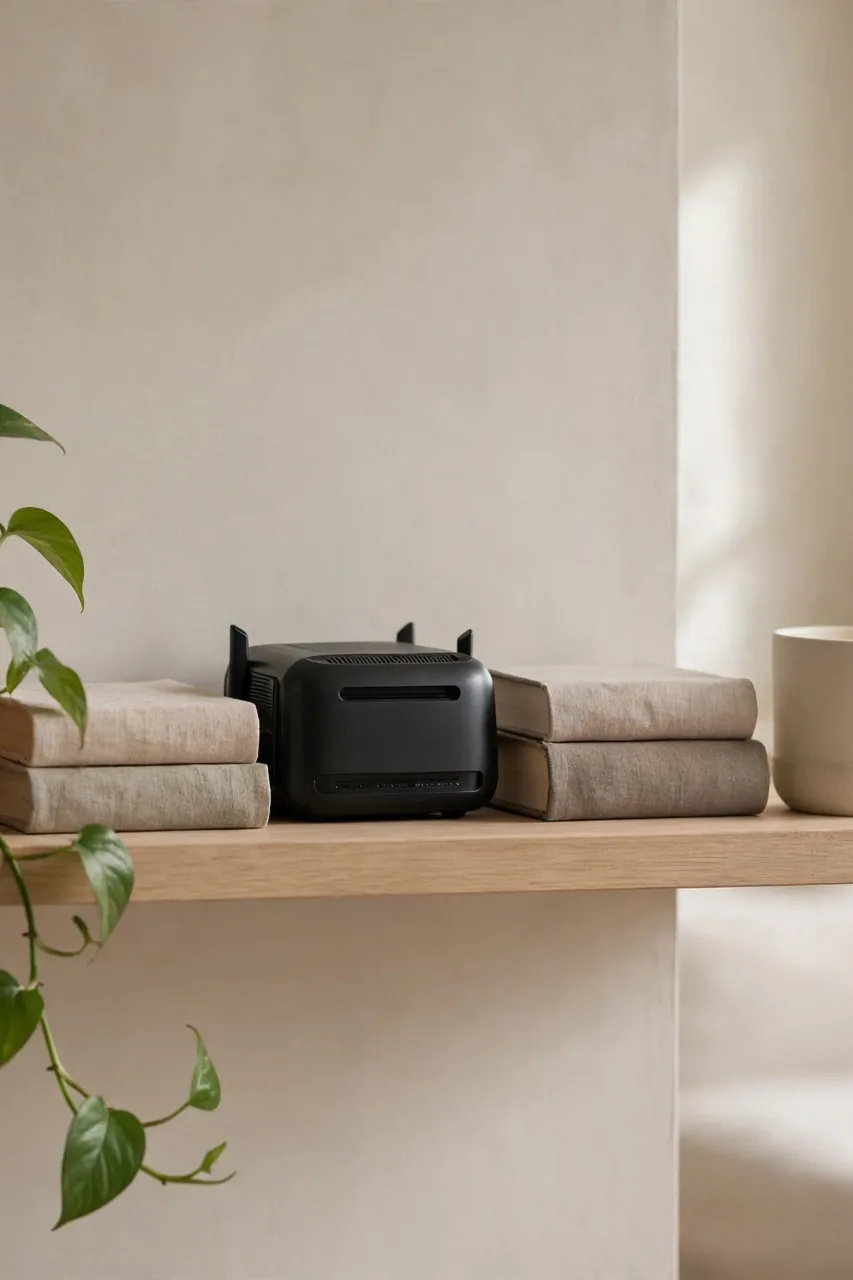
Time Needed: 20 minutes | Difficulty: Easy | Cost: $0 if you shop your own home | Best For: routers that live on open shelves
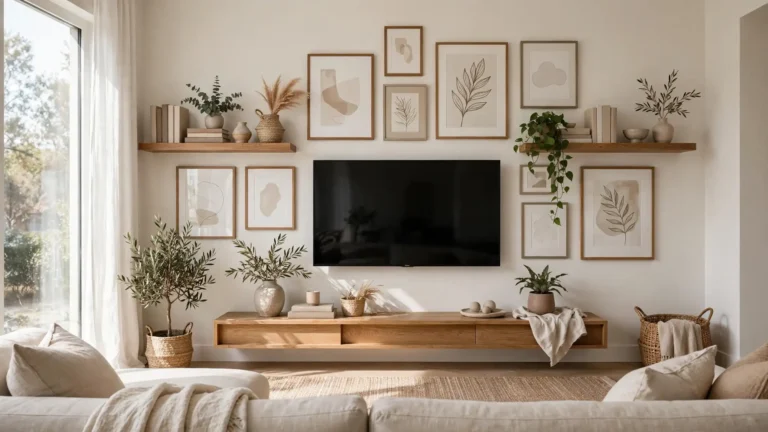
Instead of hiding the router, make the whole shelf so pretty that the router fades into the background. Add a trailing plant that drapes over one corner, a candle, and a small stack of books, and suddenly the router is just one small dark object among many. Balance matters more than camouflage here.
Common Router Hiding Mistakes
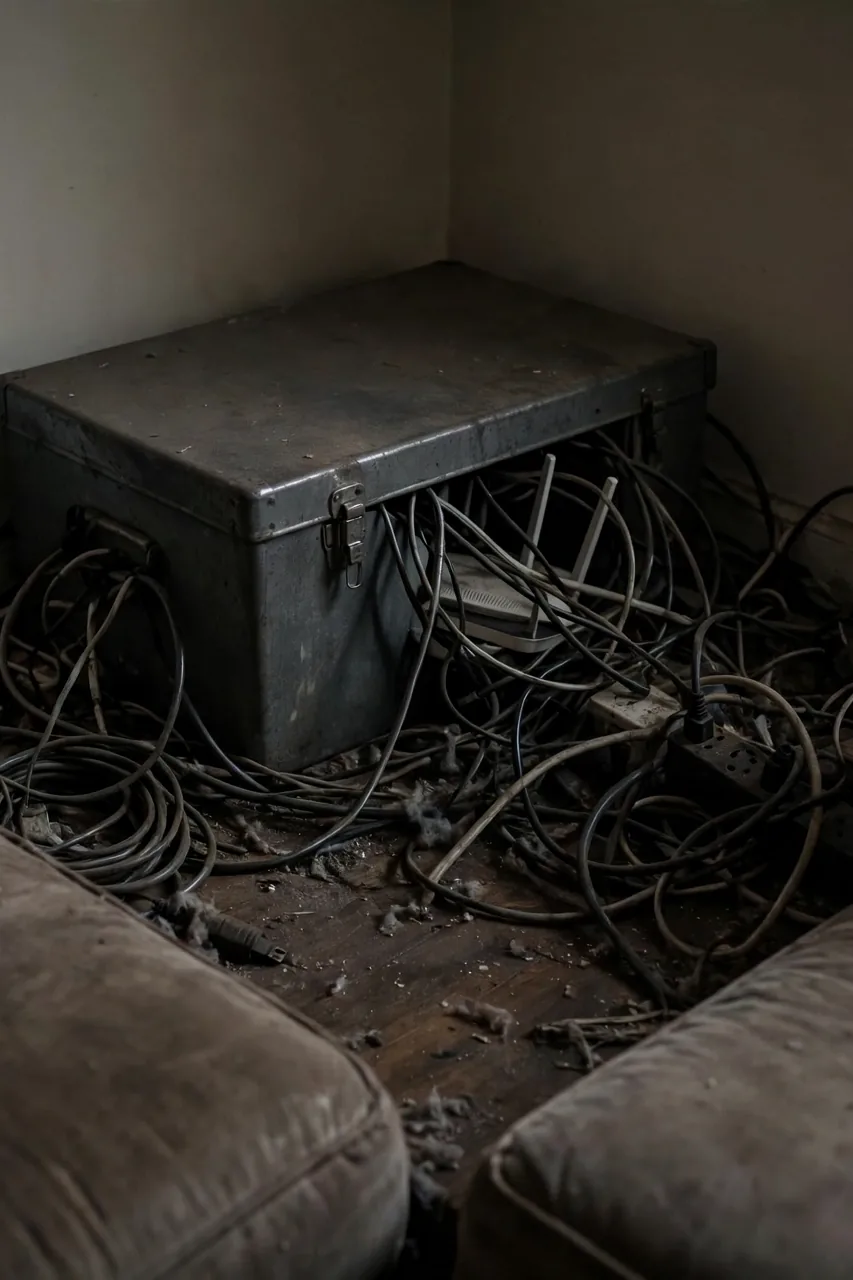
The most common mistake is sealing the router inside something airtight: a closed cabinet, a metal box, or a fabric bag. Overheating is the top cause of router slowdowns, and blocked antennas create dead zones in rooms that used to stream fine. Keep it off the floor and out of sealed boxes, and it will run for years.
The second mistake is hiding the router so well that you cannot reach it. You will need to press the reset button eventually, so choose a cover you can open in under ten seconds. Midnight router fishing is nobody’s idea of fun.
Pro Tips for Hidden Tech
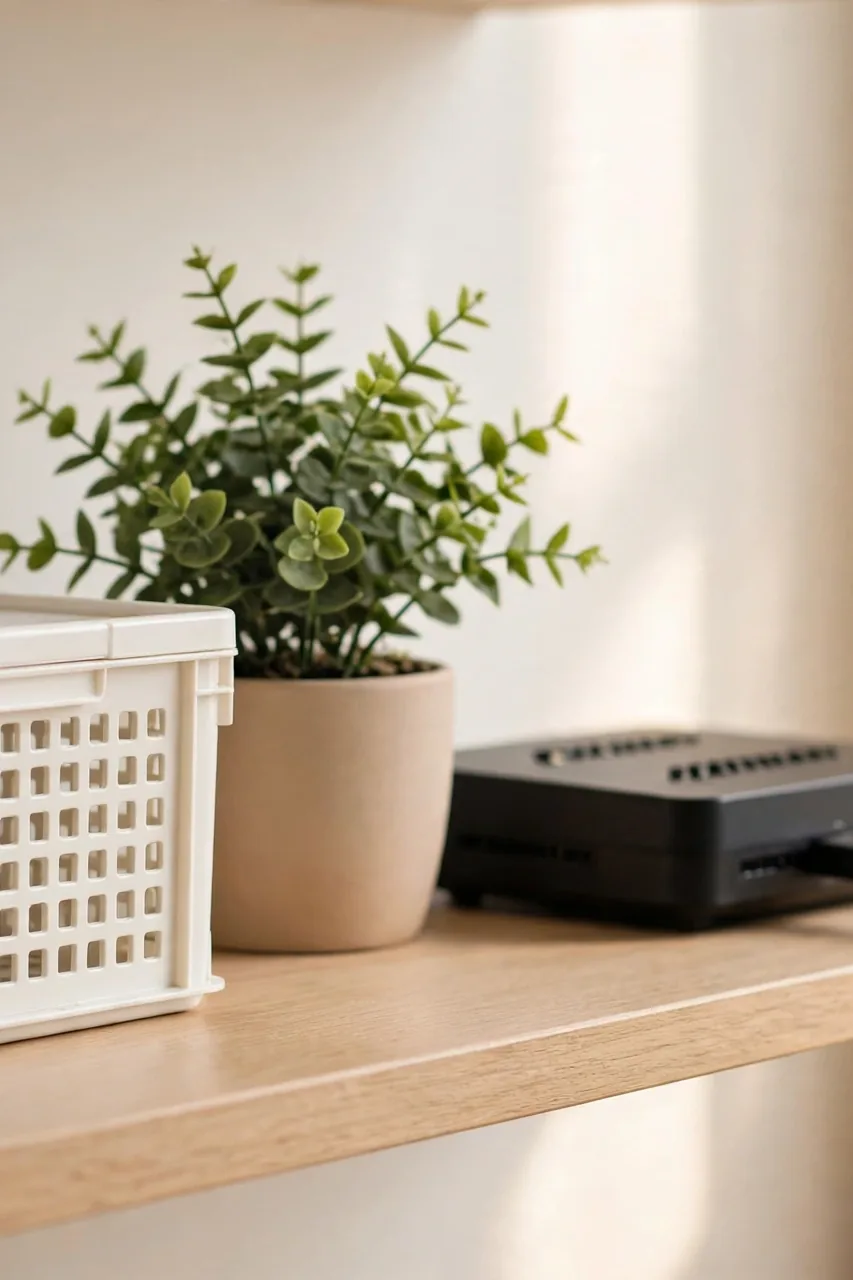
A few final habits separate a router that stays hidden from one that slowly creeps back into view. These small touches keep the setup working month after month, and none of them take more than a minute. Start with the cable label, since that saves the most headaches.
- Label the power cable with a tiny tag, so no one unplugs the router when hunting for an outlet.
- Check the temperature inside any cover box once a month by feeling the router, and remove the cover if it ever runs hot.
- Restart the router every month or two, which is much easier when you can reach it quickly.
- Dust the router and its cover when you dust the shelf, since dust buildup makes heat problems worse.
Conclusion
Once the router is hidden, the whole living room feels calmer, and you will wonder why you tolerated that blinking black box for so long. Now that you know how to hide a router with stylish living room decor, start with the easiest fix on this list and work your way up. Pin this guide on Pinterest so you can find it when you rearrange, and share it with anyone whose router is currently winning the style battle. I’ve seen how making this one small change can make a room feel finished, and it takes less than an afternoon.
2 Comments